
When you log in to your WordPress Admin area for the first time, you'll see several messages with suggested first steps for various plugins. Your new Rocket WordPress installation comes preloaded with several useful plugins by default. If you wish, you can get started with enabling and configuring them right away or dismiss them for now.
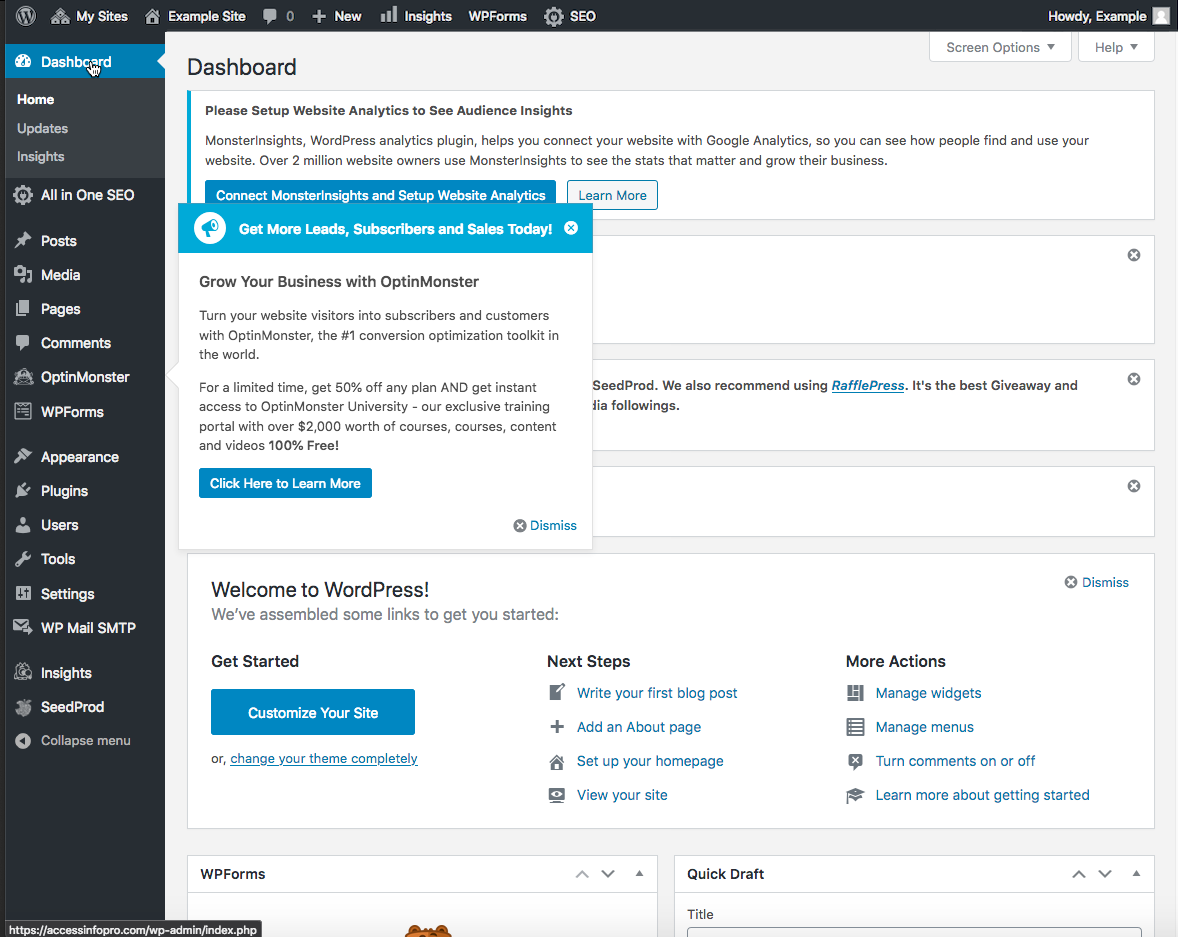
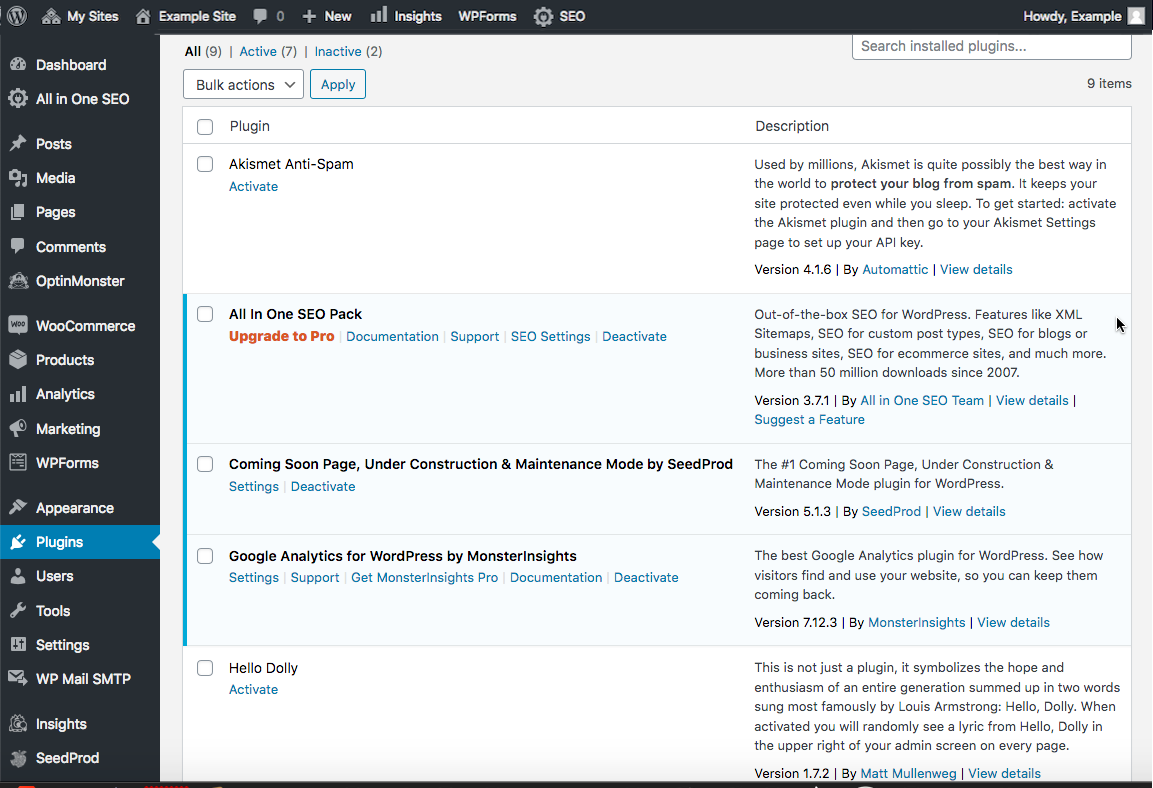
The added plugin list includes All In One SEO Pack, Coming Soon Page Under Construction & Maintenance Mode, Google Analytics for WordPress by MonsterInsights, OptinMonster API, WP Mail SMTP, WPForms Lite.
There may be WordPress core, Themes, and Plugin updates available. If there are, you'll see an icon at the top of the WordPress Admin with a number alerting you to update. Visit the WordPress Updates page to select these updates and get them updated to the latest versions. You can learn how to turn on automatic updates here.
Comments
0 comments
Article is closed for comments.