
WordPress makes installing new Themes simple. If you're interested in changing your website's look and feel, visit the Appearance page in your WordPress admin area. At the top of the page is a button to Add New.
Clicking through will take you to a list of Featured themes you can scroll thru to find a new look. Use the Search tool on the top right side of that page you narrow your search depending on your desired theme.
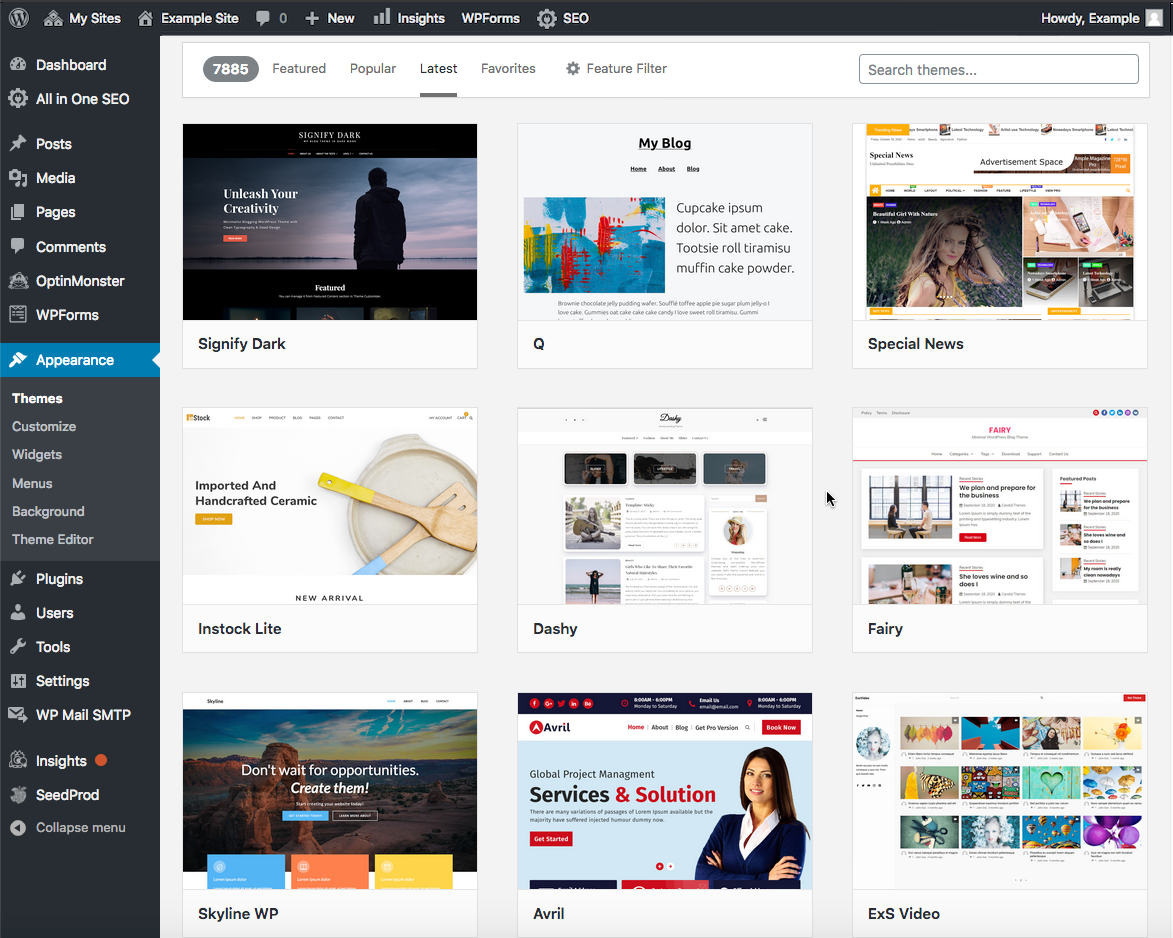
Once you've found the one you like and want to try it, you can use the preview option and view it on a demo website, or you can install it locally with two clicks. Install, Activate. Simple!
Please note, some themes recommend installing additional plugins; these are required to complement the theme you select. In addition, be sure to remove any themes that you don't need. It is recommended to have only your theme that's in use and one of the WordPress default themes.
You can also add a Theme from the Rocket Mission Control.
If you have any issues or require assistance, please do not hesitate to Submit a Ticket to our Support Team.
Comments
0 comments
Article is closed for comments.