
WordPress makes installing new plugins simple. If you're interested in adding additional functionality to your website, visit the Plugins page in your WordPress admin area.
At the top of the page is a button to Add New; clicking through will take you to a list of Featured plugins that reside on the WordPress Plugin Directory.
You'll also note a search tool on this page's top right to search for your desired plugin.
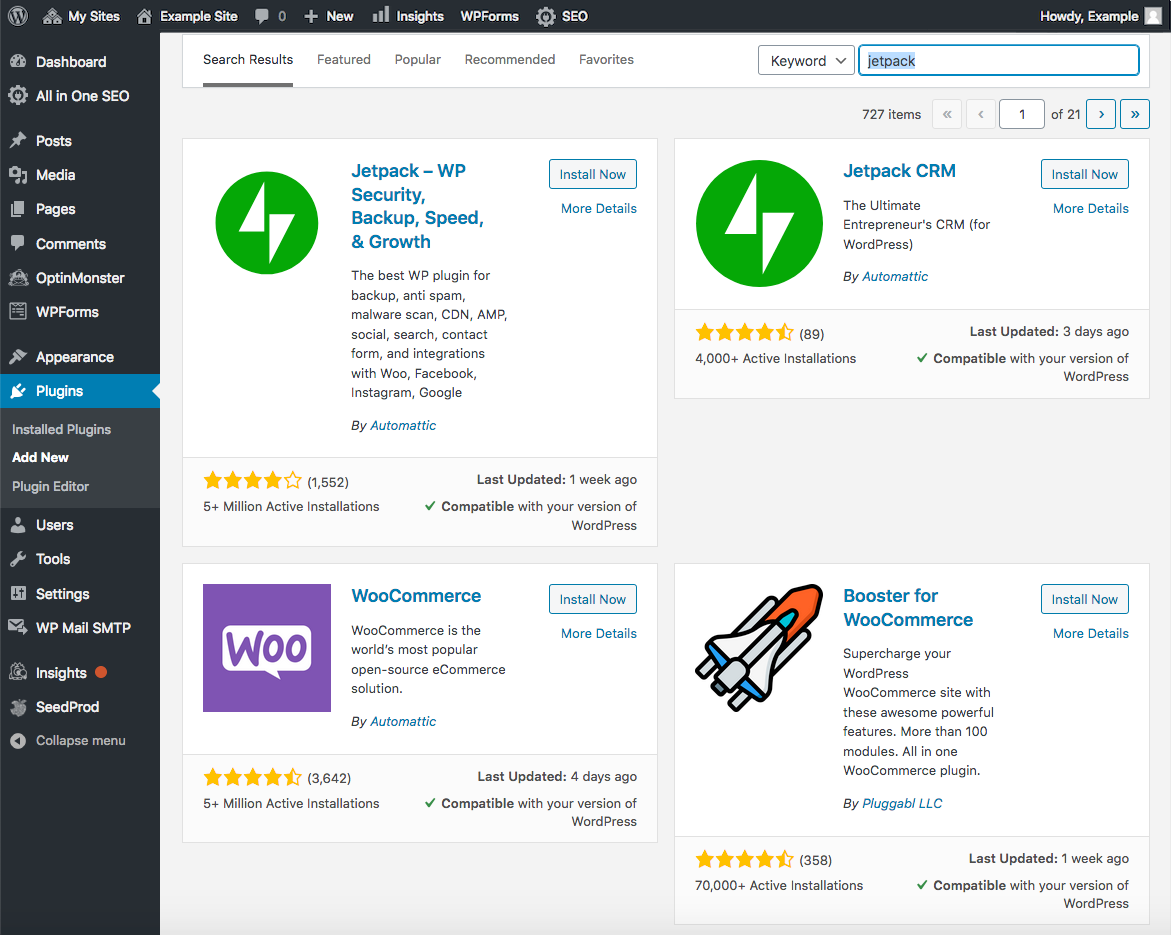
For more details on adding a new plugin to your WordPress site, please visit https://wordpress.com/support/plugins/adding-plugins/. You can also add a plugin from the Rocket Mission Control.
If you have any issues or require assistance, please do not hesitate to Submit a Ticket to our Support Team.
Comments
0 comments
Article is closed for comments.