
When pointing your DNS to Rocket.net, you may encounter an error that looks like the following:
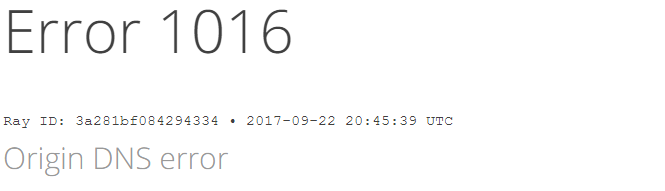
There are several reasons this error can occur:
- A previous hosting company created what's known as a partial zone for your domain and it's conflicting with Rocket.net's Cloudflare setup.
In this case, you will need to try and login to Cloudflare using your email address a previous host would have had, and delete the site from Cloudflare itself at https://dash.cloudflare.com - Your site used Cloudflare in the past and the domain still exists in an old account, but now uses your registrar or another DNS provider for DNS.
In this case, you will need to login to your Cloudflare account at https://dash.cloudflare.com and delete the site from Cloudflare. - There is a delay with Cloudflare seeing your DNS update and it may take some time to propagate.
There is no action required if this is the situation, it just may take a few hours for Cloudflare to see the proper DNS results.
If you've gone through these steps and are still experiencing problems or require assistance, please do not hesitate to Submit a Ticket to our Support Team.
Comments
0 comments
Article is closed for comments.